Monday, November 22, 2010

Final Product - Set

Cycles
Jonathan Lim.


Stop Start Ending III


Stop Start Ending
By Jonathan Lim.

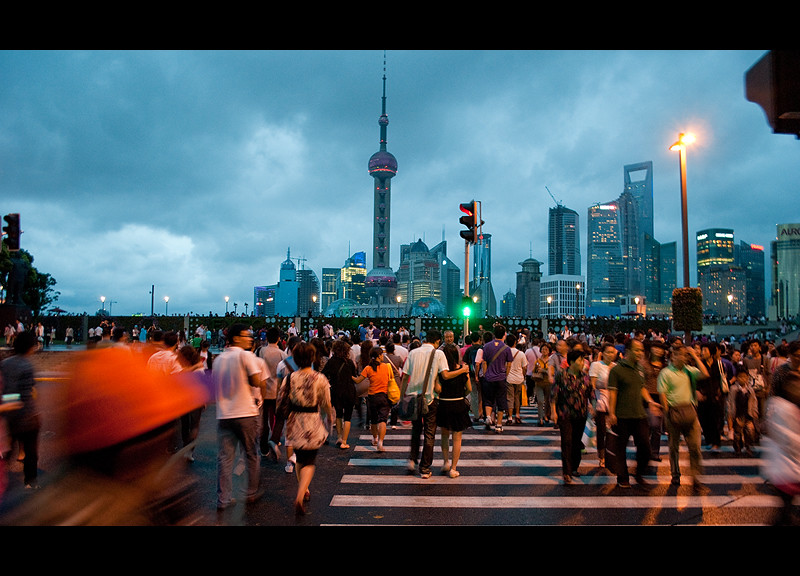
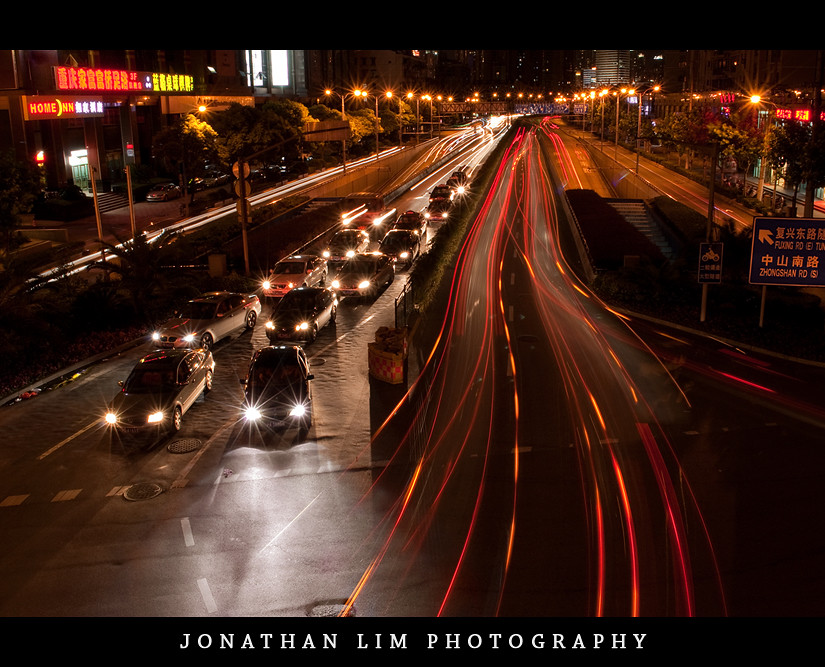
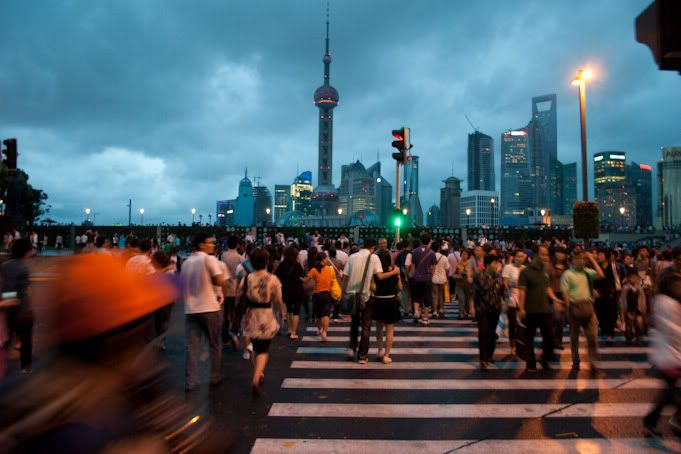
A long exposure photograph which shows both stillness and movement.


--


I personally love the composition of this photo. Through the stationary cars on the left and the light streams to the right it creates great rhythym. Directing ones up and down the piece, one could even call this a cycle. 

I believe that this photograph is the strongest in the set Cycles.

 I would love to continue this style of photography that involves the constant use of long exposures.

Stop Start Ending II

When I was over at Shanghai, there was bridge outside my hotel which towered over a busy intersection. So I decided to take a number of long exposure photographs using my tripod. I wanted to create a photograph which was different from other traffic long exposure shots.

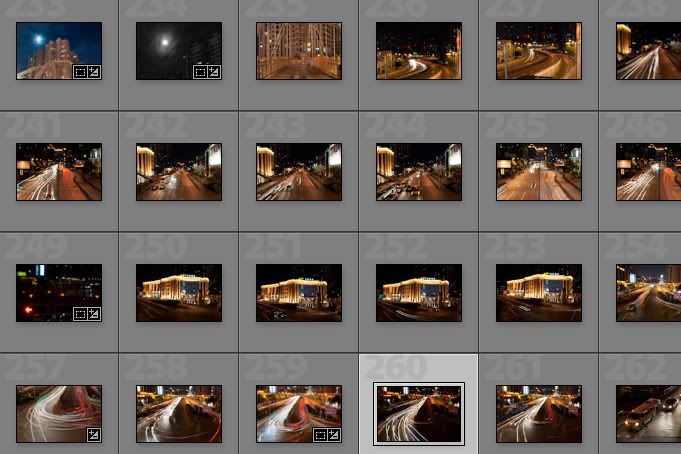
Here's a screenshot of some of the shots taken.


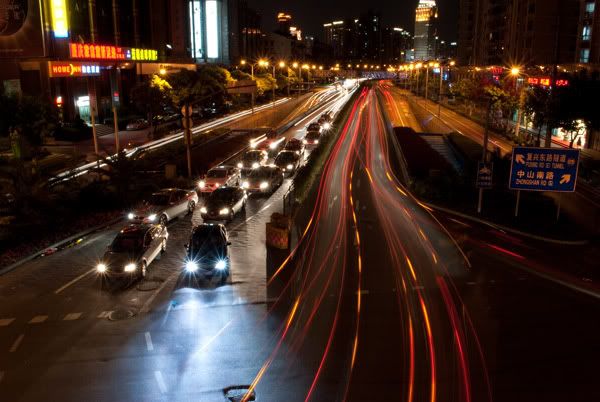
From here I chose the following RAW shot below. I liked this shot because it was different to the other shots that I took on that night. It displays both stillness and movement, thus creating an interesting composition.


As much as already did love this photo, I felt that it could be improved. The blue lights imo were very distracting and disrupted the whole ambience of the photograph.

EXIF DATA:


Nikon D3000
15 Seconds
f/20
18mm (Using 18-55 VR 3.5-5.6/f, VR off)
100 ISO
0EV

--

Adobe Lightroom 2.5

1. Cropped the image + straightned
2. Decreased the saturation of the blues in photoshop
3. Increased highlight recovery
4. Increased the vibrancy
5. Increased the fill light whilst decreasing the exposure
6. Change the colour balance, making the image much warmer.


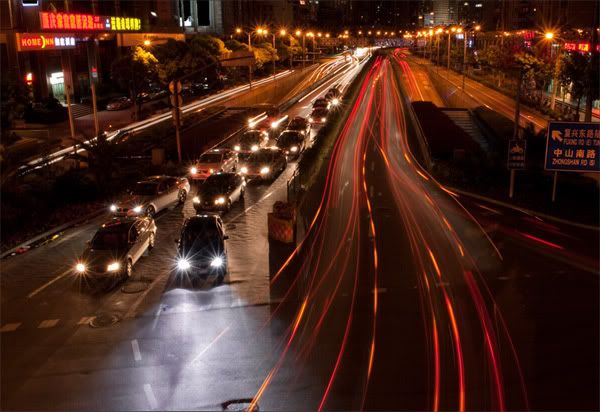
After the edits in Lightroom the image now looked like this:


When I put it in photoshop, I still felt that the blue-ish area was still to prominent.

Adobe Photoshop CS3

1. Cloned out blown out highlights from some of the store signs on edge of frame.
2. Used a selective colour adjustment layer to change the colour of the blues - masked
3. Desaturated the blue area using a Hue/saturation adjustment layer. - masked
4. Used a colour balance layer which was layer masked to match the desaturated area with the temperature of the photograph.
5. Added a black and white gradient map on luminosity to create more impact
6. Added a border and watermark
7. Resized image and change colour space for proper printing format.

After the edits in Photoshop, the resulting image is as shown below:


Jonathan Lim
Stop Start Ending I

I am inspired by many long exposure shots everyday on flickr.

Especially shots from the 'long exposure' group on flickr.

Long exposure shots are images that are shot with a slow shutter speed exceeding at least 1 second.

Here are some inspiring works from the group:


Jonathan Lim.

Movement II


Movement
By Jonathan Lim.

--

Movement I


Again, another shot taken in China, specifically in Shanghai in the very dense tourist attraction of the Bund. This also has some of the same elements as the work Collin St. 5pm.

The raw file for this photo is as shown below.


as one can see, there is not much difference between the raw and final copy.

EXIF DATA:

  • Nikon D3000
  • 1/10 Seconds
  • f/3.5
  • 18mm (Using 18-55 VR 3.5-5.6/f, VR on)
  • 400 ISO
  • -1/3EV
--

Adobe Lightroom 2.5

1. Autotoned (contrast and brightness increased)
2. Fill light, blacks and recovery increased
3. Cropped


Adobe Photoshop CS3

1. Sharpened
2. Resolution and colour format changed for printing purposes
3. Borders and watermark added.

--


Jonathan Lim

Stand Still III


Stand still
By Jonathan Lim.

--

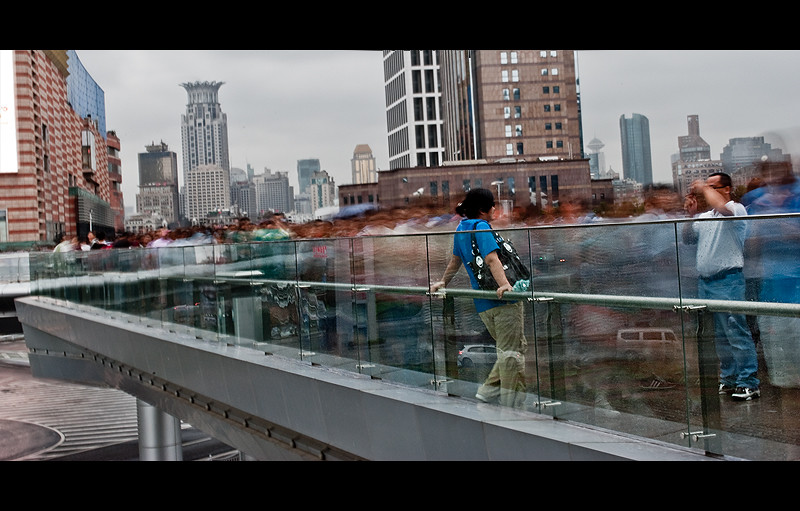
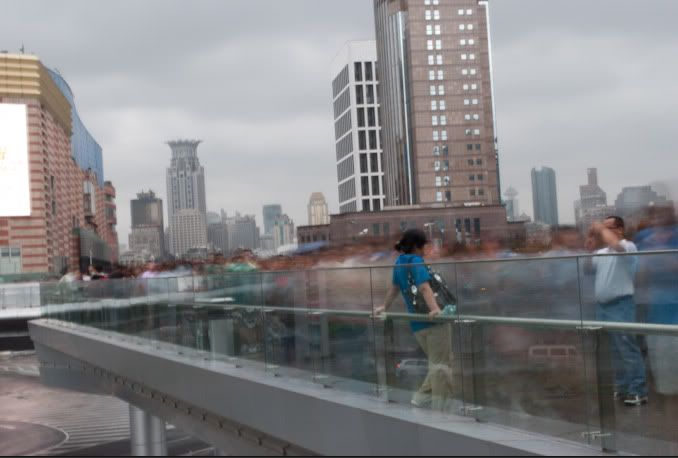
This shot is similar to Brack's piece as the people in this are blurred, they're unidentifiable. In this piece I have framed the unknowns in the pictures as the workers of China or in a broader sense those who are fueling the economy. This photograph was actually of people moving too and from a large shopping center.  


Stand Still II

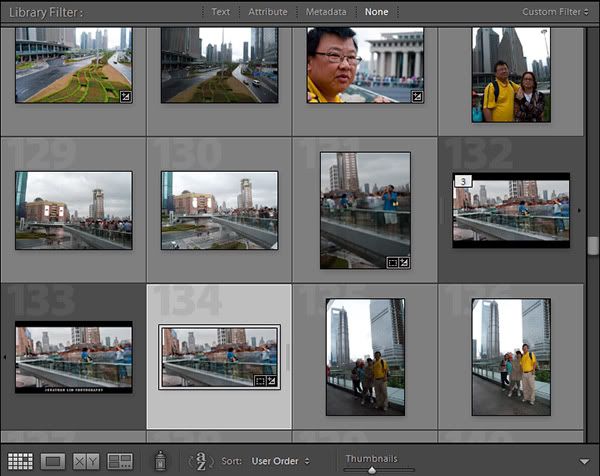
It took a number of tries to finally get what I wanted. I wanted to get one or more people sharp whilst having blur in the background through the movement of people. I had to take a number attempts because the shots had quite a long shutter speed and I did not have tripod, so it was handheld. Here's a screenshot of the series of shots taken.


From here I chose image 134. Here is the unedited version of this photograph.


The exif data for this shot is as follows:
  • Nikon D3000
  • 2.5 Seconds
  • f/29.0
  • 35mm (Using 18-55 VR 3.5-5.6/f, VR on)
  • 100 ISO
  • 0EV

--

EDITS

Adobe Lightroom 2.5

1. Blacks and recovery increased
2. Brightness and contrast increased
3. Fill light increased to further wide the dynamic range
4. Clarity increased
5. Vibrancy increased
6. Cropped heavily, to create a much more simplier composition


Adobe Photoshop CS3

1. Sharpened through the unsharpen mask and high pass filter.
2. Resized to image to a3 print size (dpi, pixels & etcera)
3. Added borders.

--

After the final edits it looked like this.


Jonathan Lim


Stand Still I

Stand Still is a long exposure photograph inspired by great traditional artist John Brack's piece Collin St. 5PM.


This piece by Brack is very striking. The whole warm tone kinda sooths the image making it feel very monotone and somewhat simple.  There's great depth in the piece created through the two layers of people, in the foreground and background.
This painting was painted during times of war, where the economy was down. It commented conformity of everyday life, with all human figures looking almost identical with one another. 

This relates to my theme of the daily work routine in China. Where the economy there is booming in a scary pace, millions of people go to work to continue the rise of the communist economy. With so many people in the country just going to work, it does show what the country is developing into and it does show the everyday lives of workers in China.

Jonathan Lim 

Drag II


Drag
By Jonathan Lim.

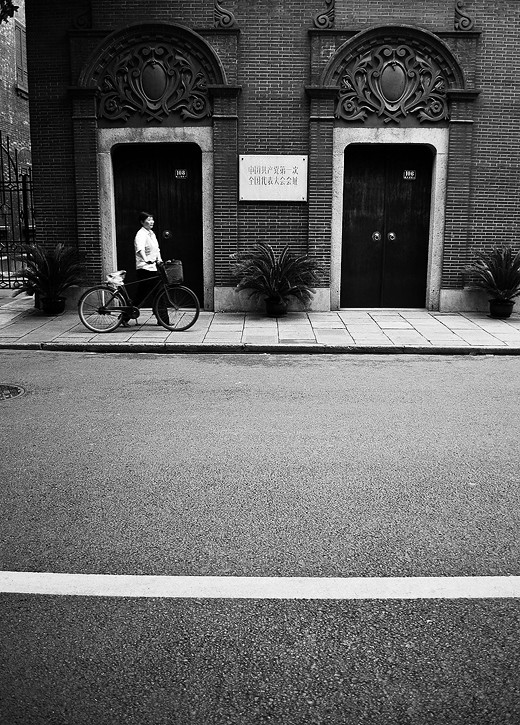
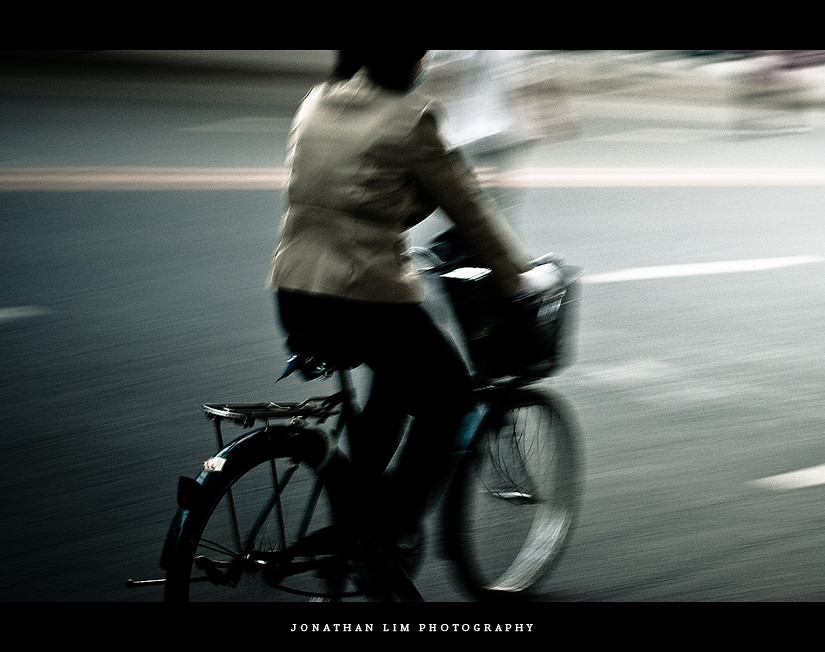
An urban black and white photograph focusing on the theme of transportation. Taking on the streets of Shanghai.